Find the next story.
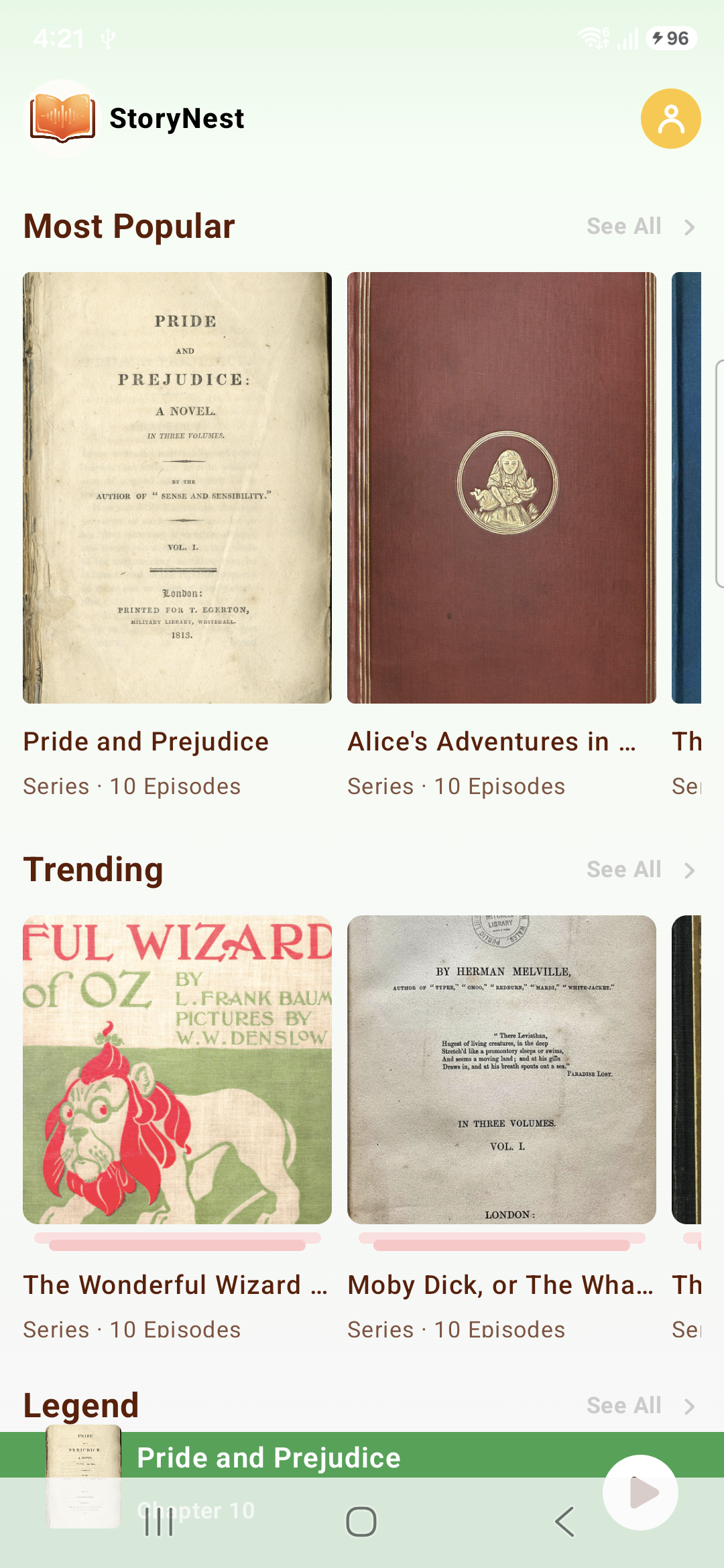
Browse book covers across highlighted shelves, including popular, trending, and classic selections shown in the app.
“The first page is only the beginning.”
ZeroComics / Audiobook stories
Find a book, begin a chapter, and return to the story when the moment is right.
 LISTEN
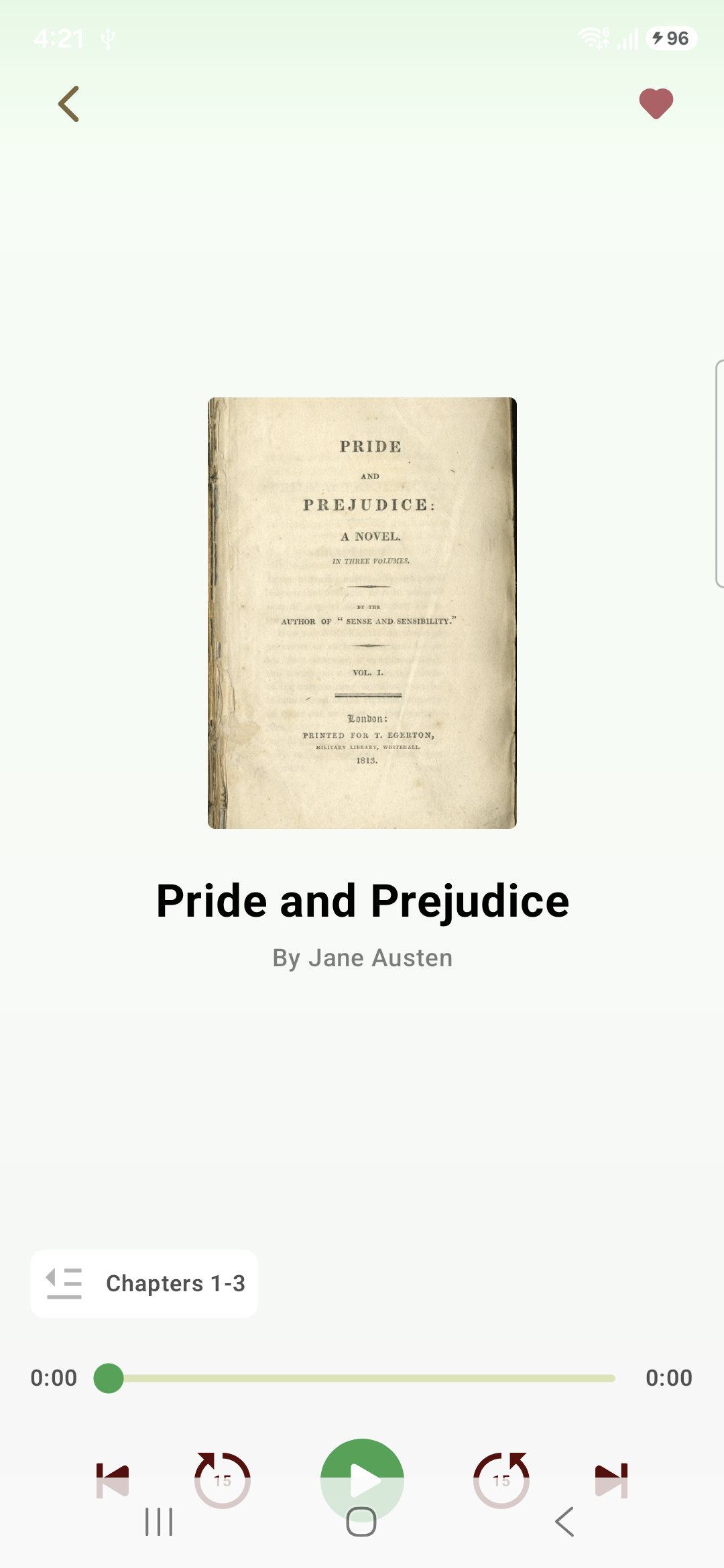
A player view that keeps the book, the chapter, and the next moment together.
A story has more than one way in
ZeroComics brings discovery, playback, chapter navigation, and your return path into a calm reading-and-listening space.
Browse book covers across highlighted shelves, including popular, trending, and classic selections shown in the app.
“The first page is only the beginning.”
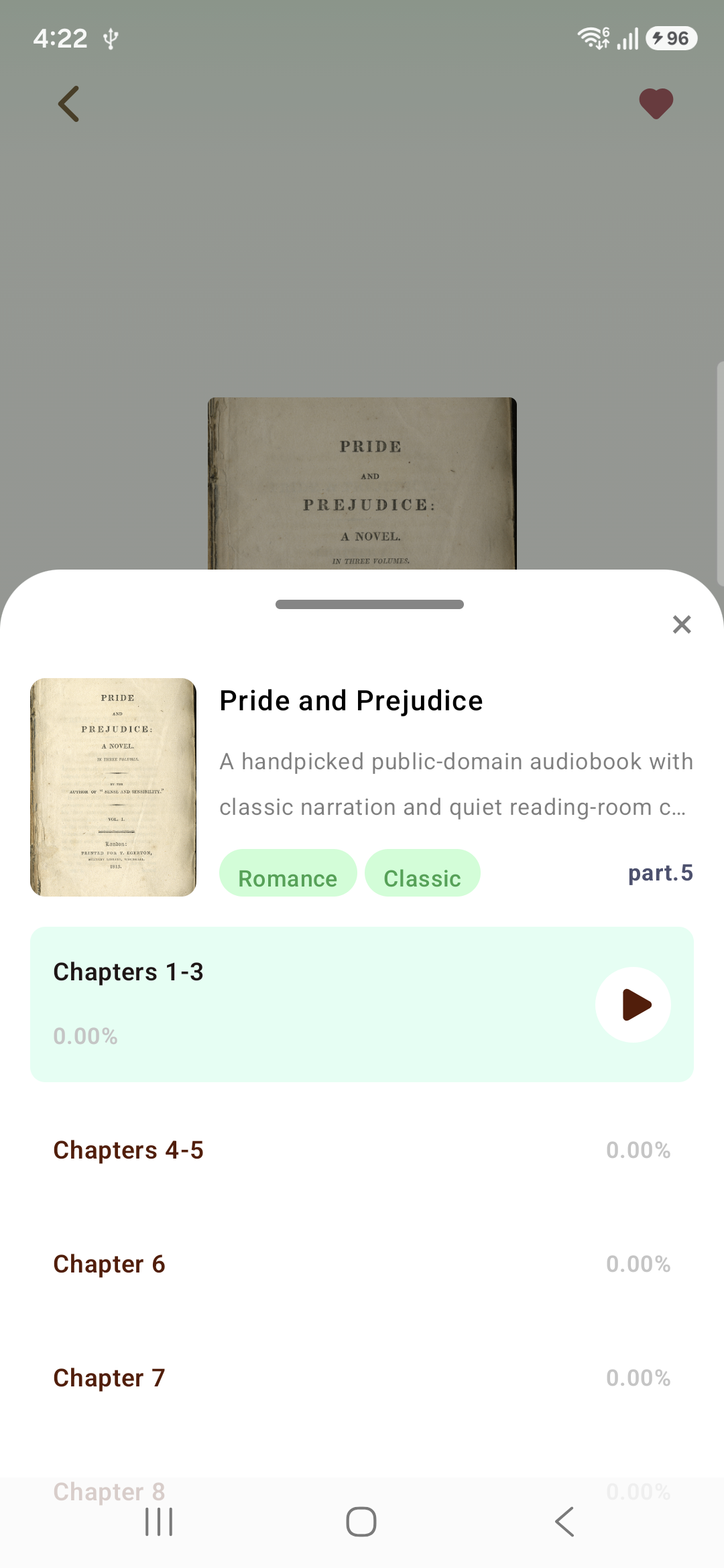
The player view presents the selected title, author, chapter access, progress, and familiar listening controls in one place.
“Pick up the thread, one chapter at a time.”
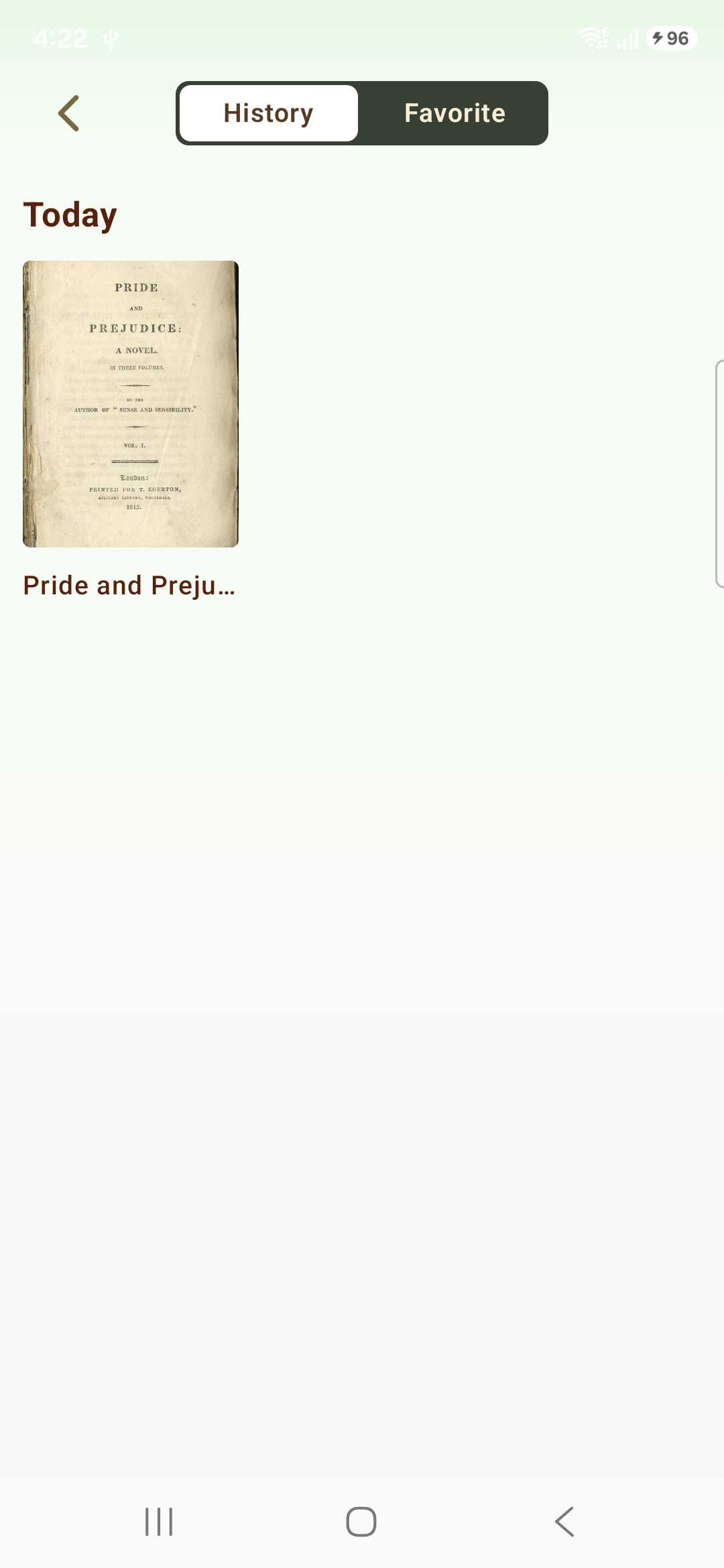
History and favourite views give a simple route back to titles you have already opened or chosen to keep.
“The story waits where you left it.”
A place to return to
Move between the titles you have opened, the ones you have saved, and the point where a chapter is ready to continue.
Contact
For questions about the app, website, or legal pages, contact us at onepointshop0207@gmail.com.